
#7 Crypto Portfolio: Exporting, Importing & Syncing Your Data
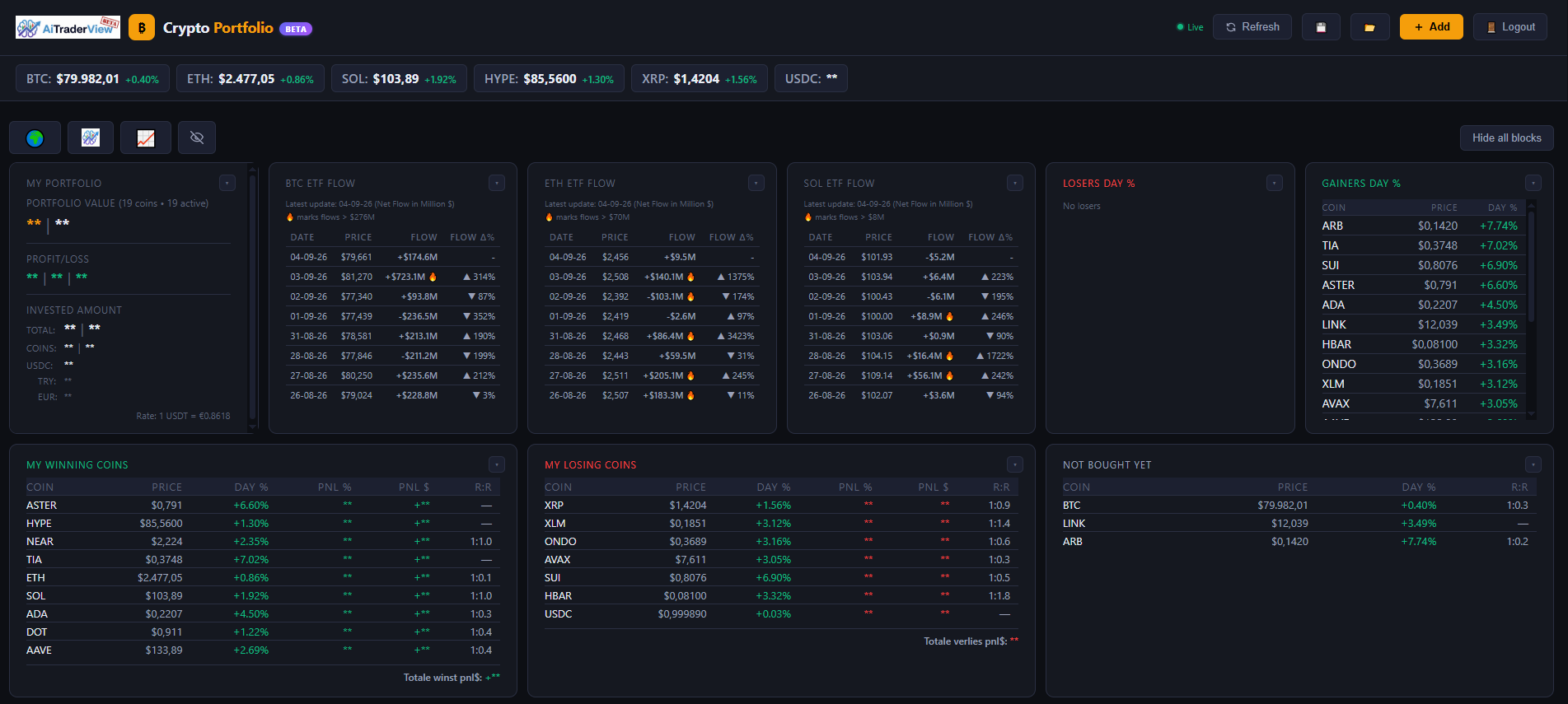
Your portfolio is saved automatically as you use the app, both on your device and to your account, so it’s available the next time you log in — on the same device or a different one.
## Automatic saving and syncing
Every change you make (adding a coin, editing an entry, adjusting your layout) is saved right away. Your portfolio data is stored in your account, so logging in on another computer or phone will show the same coins and entries. Note: your **layout and visibility settings** (which blocks and columns are shown, their order and size) are remembered separately for computer and for mobile, so your desktop layout won’t be overwritten by changes you make on your phone, and vice versa — see **”Customizing Your Dashboard”** for more on this.
## Exporting a backup
Click the export icon (💾) in the top bar to download a `portfolio_data.json` file containing your full portfolio and table settings. This is useful as a personal backup, or if you want to move your data somewhere outside the app.
## Importing data
Click the import icon (📂) in the top bar and select a previously exported `portfolio_data.json` file to load it. Importing replaces your current portfolio in the app with the contents of that file.
Only import files you exported yourself or received from a source you trust — an imported file is checked for obviously invalid entries before being loaded, but you’re still responsible for the data you bring into your account.
## A quick note on backups
Because your data syncs automatically, you generally don’t need to import/export for everyday use. It’s most useful as an occasional backup, or when moving your setup to a new device manually.
⚠️ RISK WARNING & AI DISCLOSURE
- This information is generated by Artificial Intelligence (AI) and complex algorithms. While advanced, these systems can contain errors or inaccuracies and are for educational purposes only.
- Technical analysis provides no guarantees; this information is purely informative.
- All discussed scenarios are hypothetical and do not constitute predictions or expectations.
- Past performance is not an indicator of future results.
- This is not financial advice and is not intended as a call-to-action for the reader.
- No implicit direction is claimed, and no specific behavior of market participants is suggested.